A browser that gets out of your way
Browse in Flow
A see-through browser designed for your comfort. Fast, secure, endlessly customisable — and it never stores a thing.
BetaVersion 1.6.2 · Windows 10/11 (64-bit) · Linux (x64)
Flow is still in beta. The Linux build works, but it may feel buggier than Windows while we polish it.
sh Flow-linux-x64.run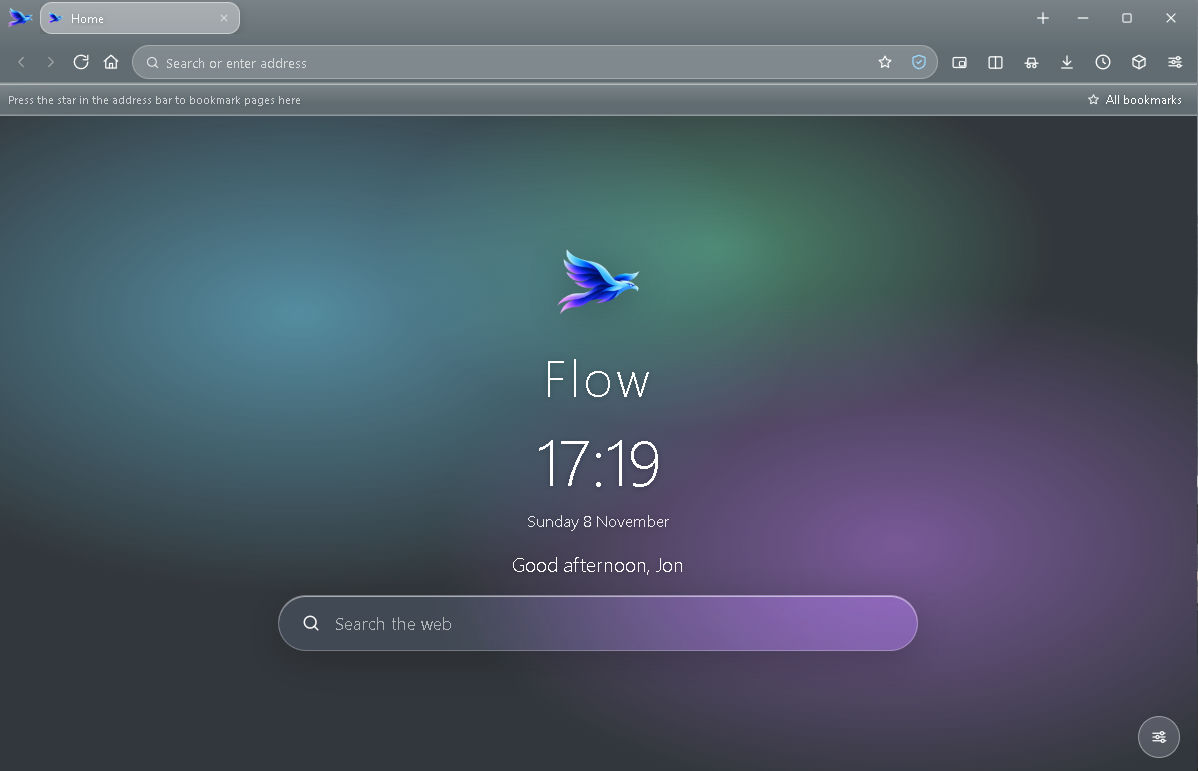
Nothing is stored
No history, cookies or data left behind when you close it.
Privacy first
Built-in protection blocks trackers before they load.
Super fast
A lightweight core that opens pages in a blink.
Yours to shape
Transparency, colours, layout — tune Flow to your comfort.
Windows
- 1. Download
FlowSetup.exeand run it. - 2. No admin needed. It installs for your user, adds a Start menu shortcut and opens Flow when it finishes.
- 3. If Windows shows “unknown publisher”, choose More info → Run anyway. The installer isn’t code-signed yet.
Linux
BetaLinux is supported and installs the same way, but it’s newer than the Windows build and may be buggier.
- 1. Download
Flow-linux-x64.run. - 2. Open a terminal in your Downloads folder and run
sh Flow-linux-x64.run. - 3. Open Flow from your app menu, or run
flow-browser. No root required.
Double-clicking usually does nothing because browsers strip the executable permission. Prefer the mouse? Right-click the file → Properties → Permissions → tick “Allow executing as program”.